Manage any project smoothly
Plan work, track progress and collaborate in one place. From daily to-dos to complex projects, MeisterTask makes it easy to stay in control.


Top rated

Made in the EU
GDPR compliant
Plan work, track progress and collaborate in one place. From daily to-dos to complex projects, MeisterTask makes it easy to stay in control.

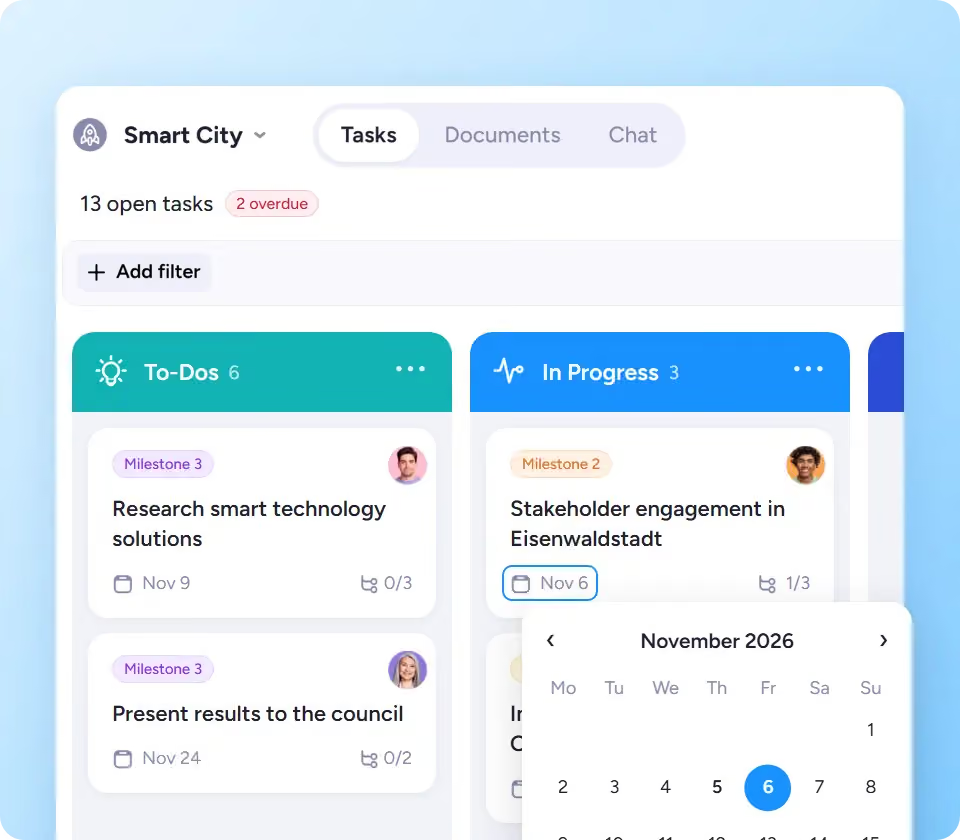
KANBAN BOARDS
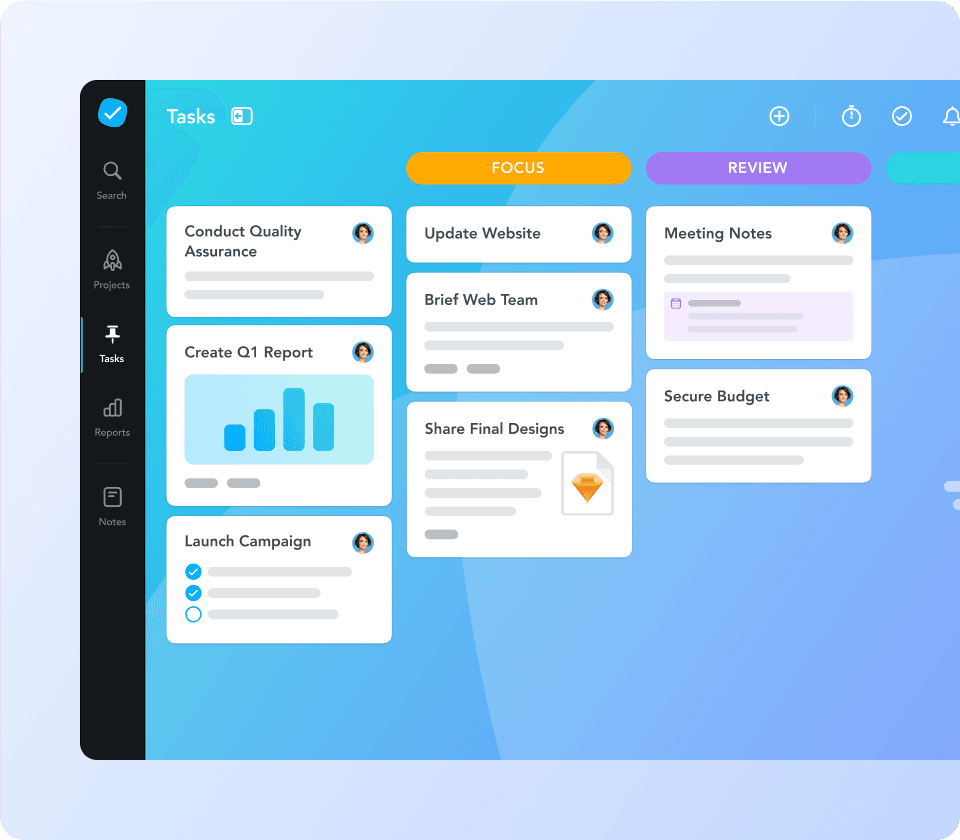
Your board shows where every task stands at a glance. Small updates take seconds, right on the card, so the board stays current and your team stays in sync.
TASKS
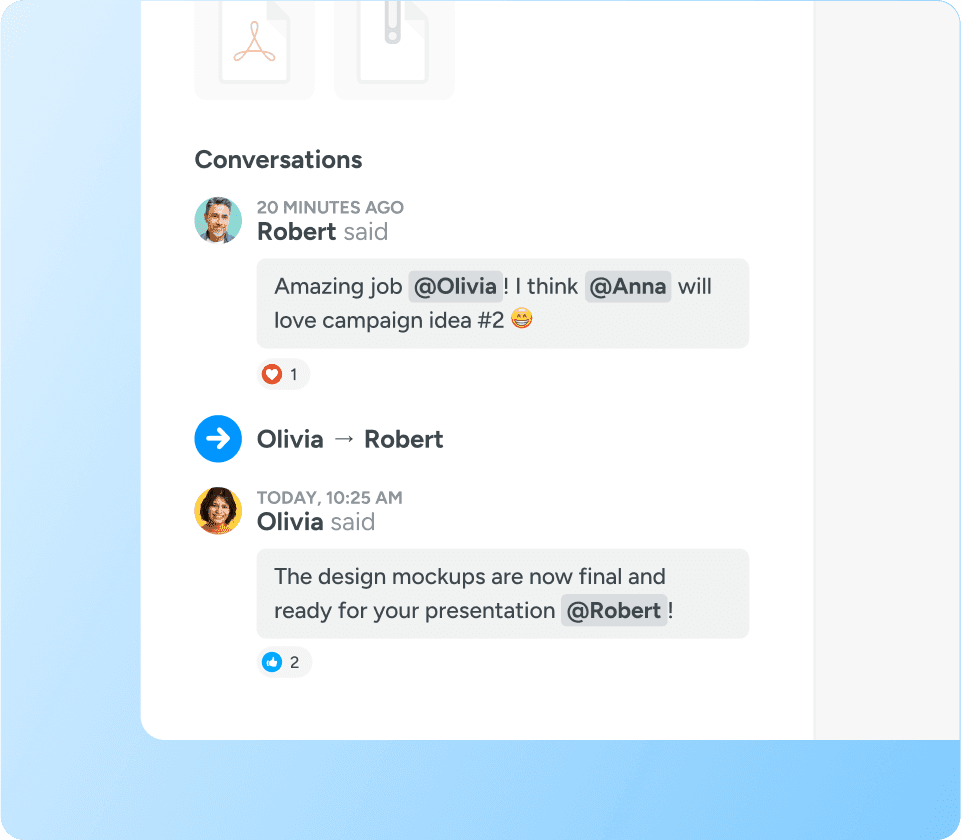
Attachments, comments, due date — it’s all inside the task. Want to get notified of any updates? Make yourself a watcher.
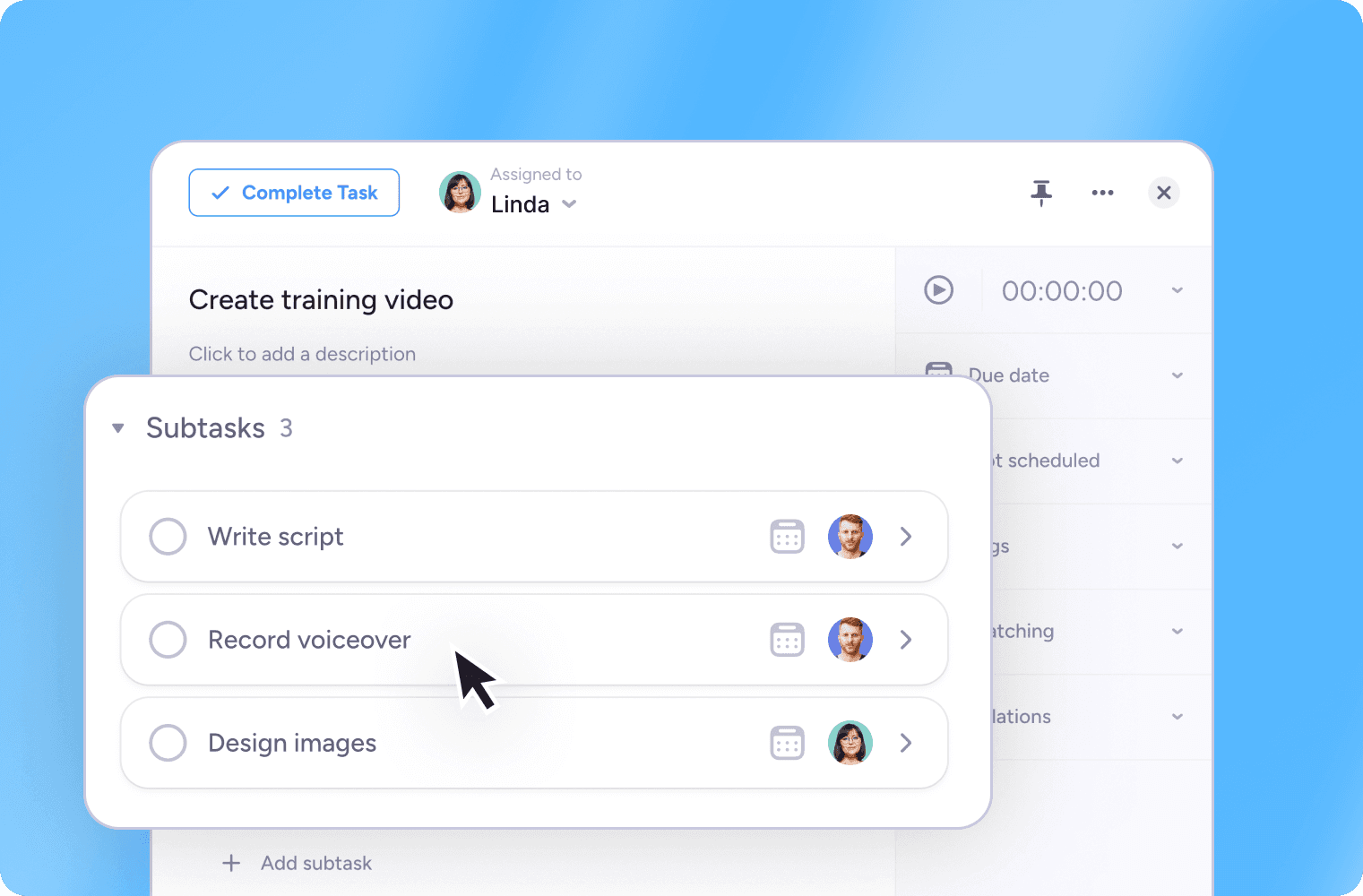
SUBTASKS & CHECKLISTS
Create subtasks to add more structure to projects. Add checklists to create consistent, repeatable processes.
DOCUMENTS & CHAT
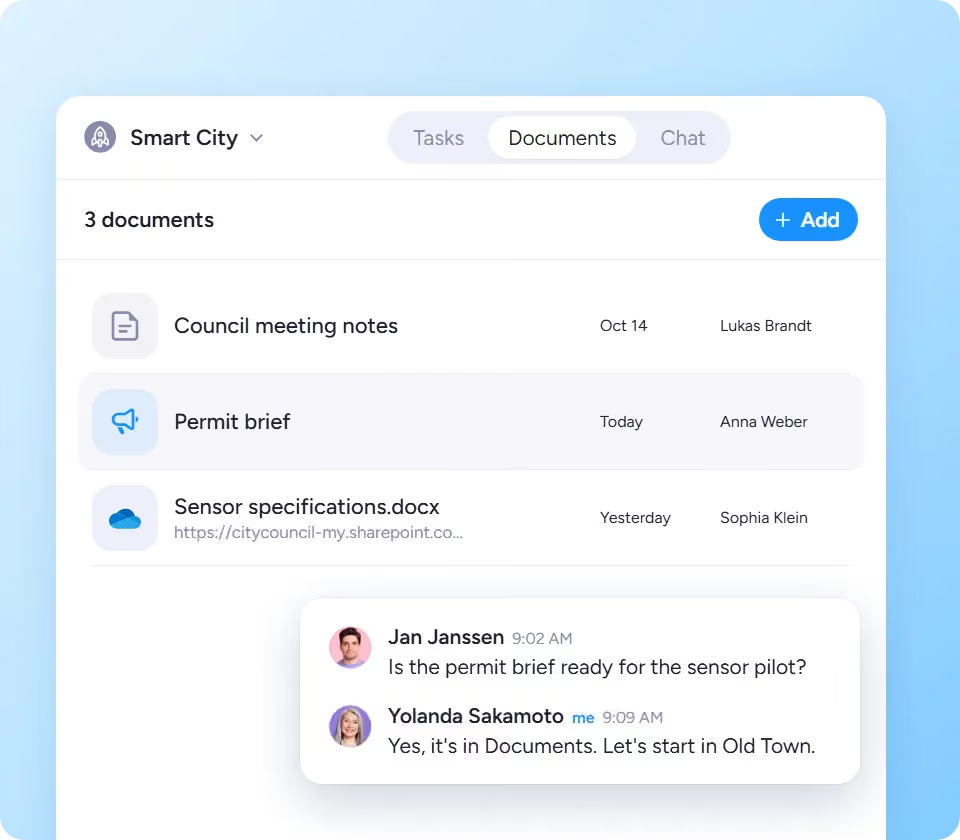
Keep briefs, specs and meeting notes in each project’s Documents tab, and discuss the work right beside it in the Chat tab. Project context stays where your team can find it.
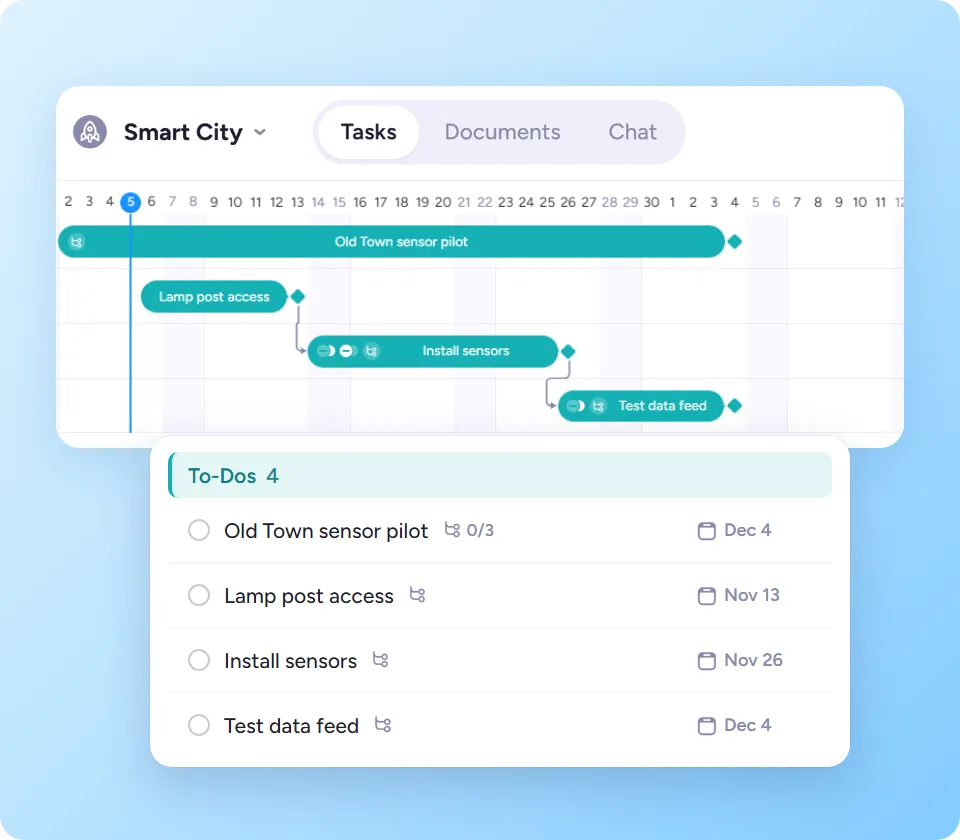
TIMELINE & LIST VIEWS
See deadlines, dependencies and subtasks on a Gantt timeline, and shift plans in a few moves when things change. Prefer a list? Filter, group and sort it to see exactly what matters to you.
INSIGHTS
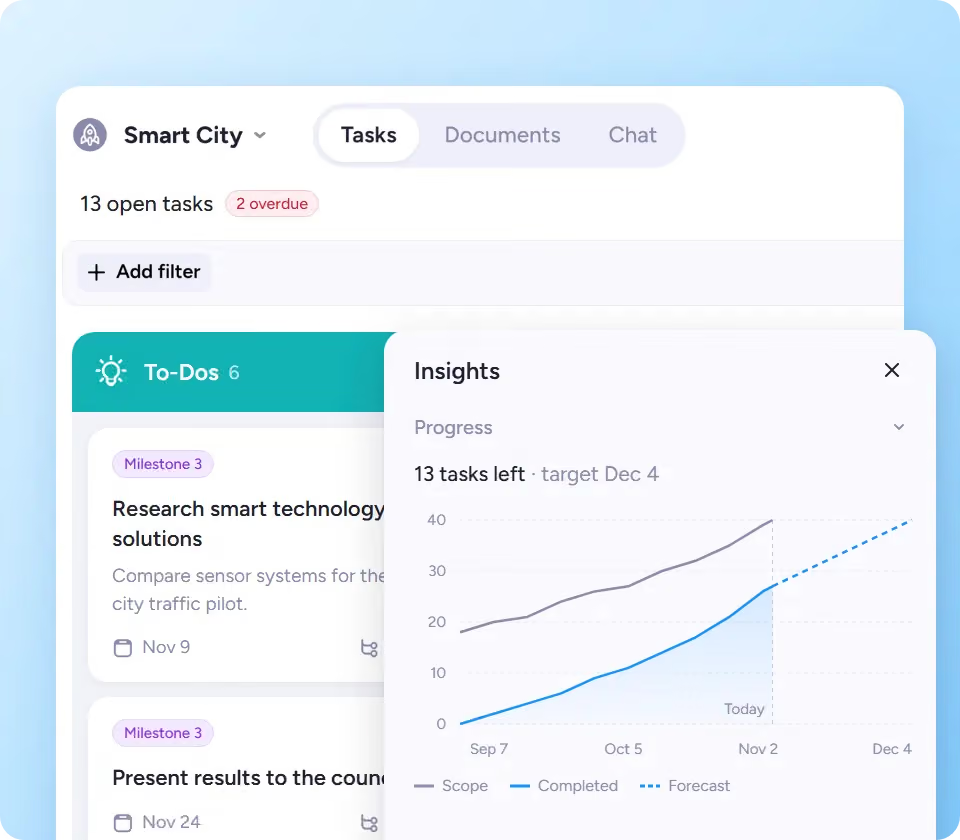
Open the Insights panel to check where any project stands. Spot overdue tasks, see how close you are to your target date in a progress chart and get an AI summary of recent activity, so you don’t have to search through each task.
PROJECT PORTFOLIOS
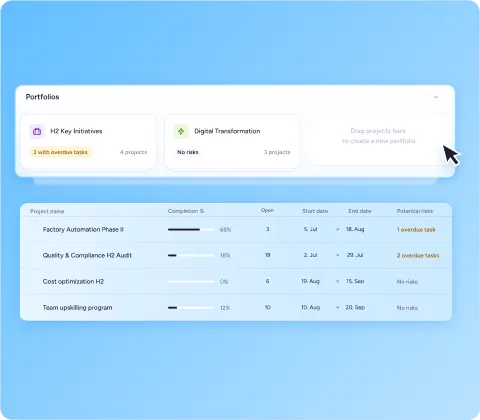
Track progress, timelines, and team workload across multiple projects with portfolios.
PERSONAL DASHBOARD
See all your assigned tasks in one clean view. Create custom board sections that match your working style.

Tags
Add tags to organize tasks by team, priority, or anything else.

Task relationships
Link related tasks to show dependencies. Keep work aligned easily.

Comments & attachments
Share updates and files in context instead of over email.

Custom fields
Track the details that matter to your team like budgets, IDs, or workstreams.

Recurring tasks & automations
Set tasks to repeat automatically. Or free up time with task automations.

Keyboard shortcuts
Do everything on board and list views straight from the keyboard.
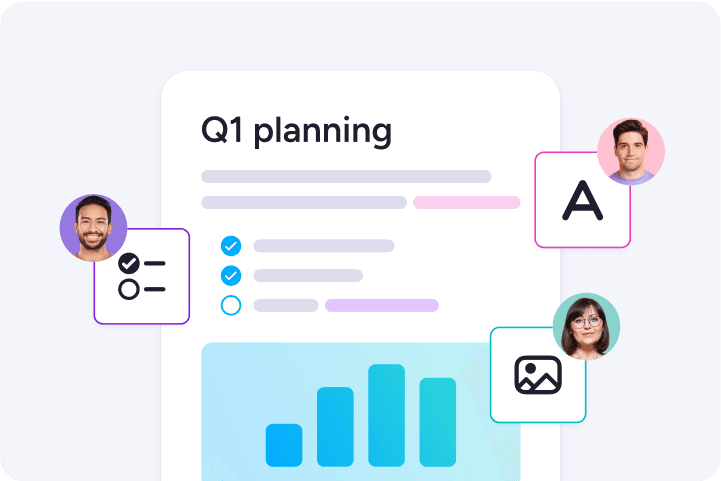
Centralize notes and documentation so your team always has the context they need.
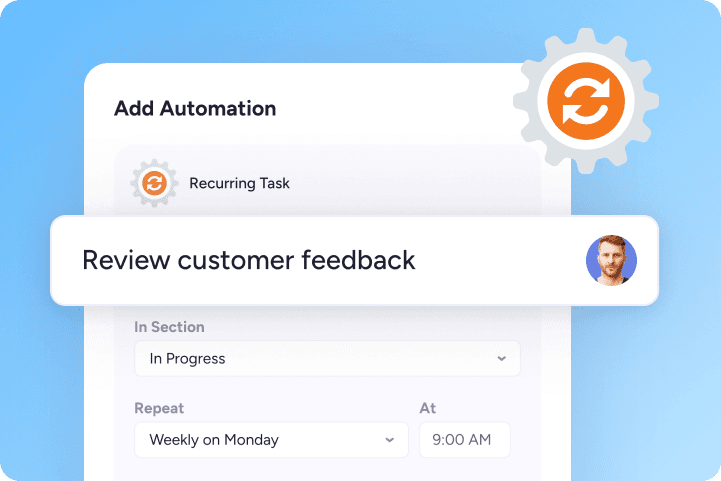
Get project insights from Meister AI. Let automations handle the routine.
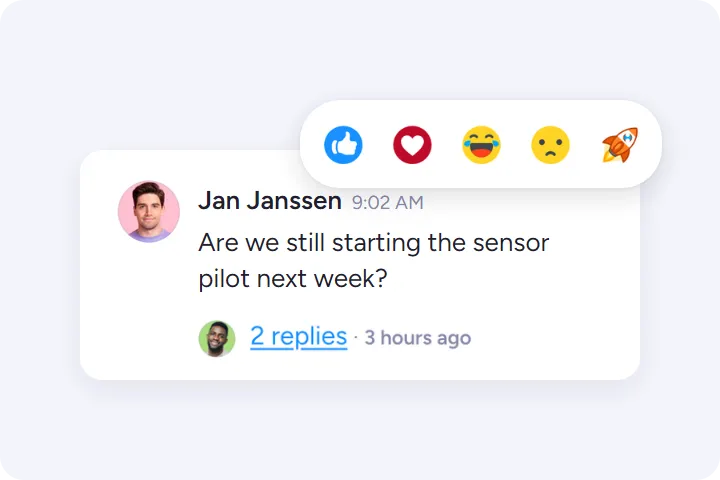
Keep discussions next to the work, so decisions are easy to find later.

"We use MeisterTask for departmental projects, Monday meetings, shop floor management meetings and much more."
 TS

"95% of our internal emails have been eradicated thanks to MeisterTask. This gives us more time to focus on project work. And with MeisterTask serving both task management and team communication needs, we don’t require additional communication tools."
 SR

"We needed a tool that complied with the strictest guidelines for customer data protection and that was capable of storing data securely. We quickly narrowed it down to six, but MeisterTask stood out because of its rich feature set."
 SR
MeisterTask can transform the way your team works. Book a call with our experts now — we’ll figure out the way forward together.
See MeisterTask in action
Discuss your team’s needs
Find the right plan for you